AI ReasoningAI market analysis demo
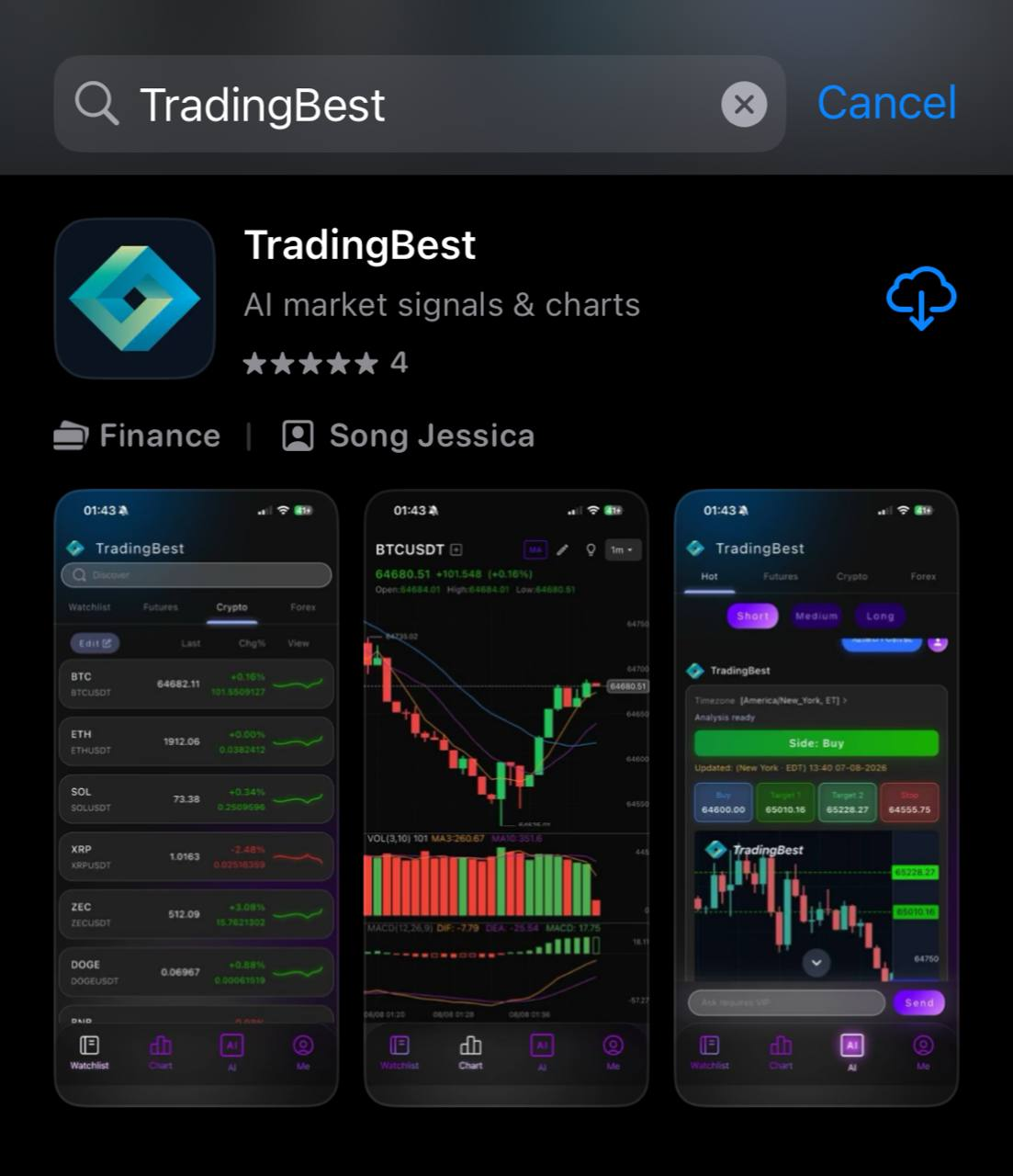
AI MARKET SIGNALS
TradingBest
AI Market Signals Start Here
Track forex, futures, crypto, and other watchlist markets with K-line charts, technical indicators, and AI signal briefs that organize the market context you check every day.
ForexFuturesCryptoiPhone App
AI REASONING
Analyze the market from multiple angles and spot what matters faster
TradingBest organizes market context across structure, macro factors, sentiment, volume, volatility, and news, then turns it into easier-to-read AI summaries.
APP DownloadAISignal briefs
K-LineCharts and indicators
FreeApp Store download
iOS 13+iPhone support
TIKTOK VISITOR GUIDE
If TikTok cannot open the App Store, open this page in your browser first
Tap the top-right menu
After opening this page inside TikTok, tap the menu in the top-right corner.
Choose Open in Browser
Open the page in Safari or your system browser before going to the App Store.
Copy the link if needed
Use the backup button to copy the App Store link, then paste it into Safari.
AI INSIGHTS
Key market context without digging through every indicator
TradingBest brings watchlists, charts, and AI summaries into one flow so technical context is easier to read.
Organize technical context first
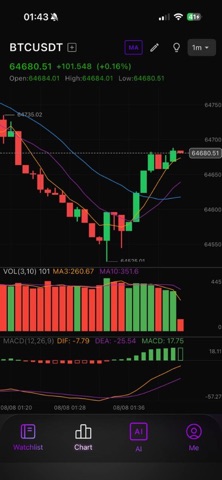
Summarize price action, common indicators, and reference levels so notable changes are easier to spot.
Read signal context faster
Signals are not trade commands. They compress key indicators into easier-to-read market information.
Follow multiple markets
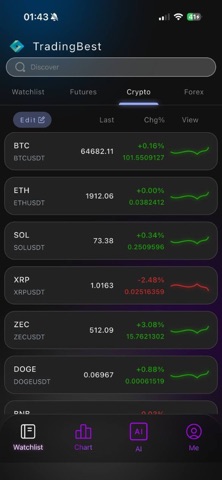
Keep forex, futures, crypto, and other markets together to reduce switching and repeated searching.
Clear boundaries, no execution
TradingBest does not place orders or custody funds. It provides market information and analysis support only.
SIGNAL WORKFLOW
Understand the signal before deciding what to do
AI signals help you read the market. They are not profit guarantees or automated trading instructions. Treat them as a fast pre-trade summary.
01
Add watchlist markets
Start by saving the forex, futures, or crypto markets you check most often.
02
Review K-lines and indicators
Use price action and common indicators to understand the current market position.
03
Read the AI signal brief
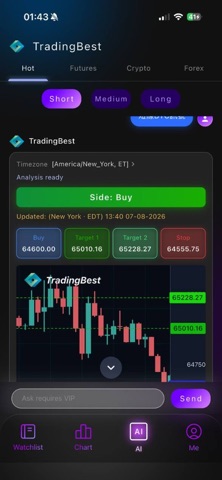
Quickly understand the signal background, directional context, and key risk points.
04
Compare with your plan
Return to your own trading process before deciding what to do next.
APP PREVIEW
Real interface preview
AI market signals and charts, built for viewing on iPhone.
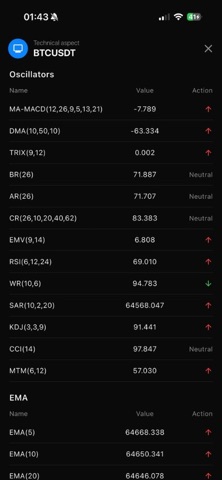
APP TOUR
Preview the interface before trying AI market signals
Watch a short walkthrough of the TradingBest launch flow, market screens, and AI signal display before heading to the App Store.
APP DownloadApp TourTradingBest product demo
READY TO START
Download TradingBest and keep market context in your pocket
Install for free on iPhone. Add your watchlist markets, then review charts, indicators, and AI signal briefs in one place.
TradingBest provides market information and analysis tools only. It does not place trades, open brokerage accounts, or custody funds. AI signals are for reference only and are not investment advice.